
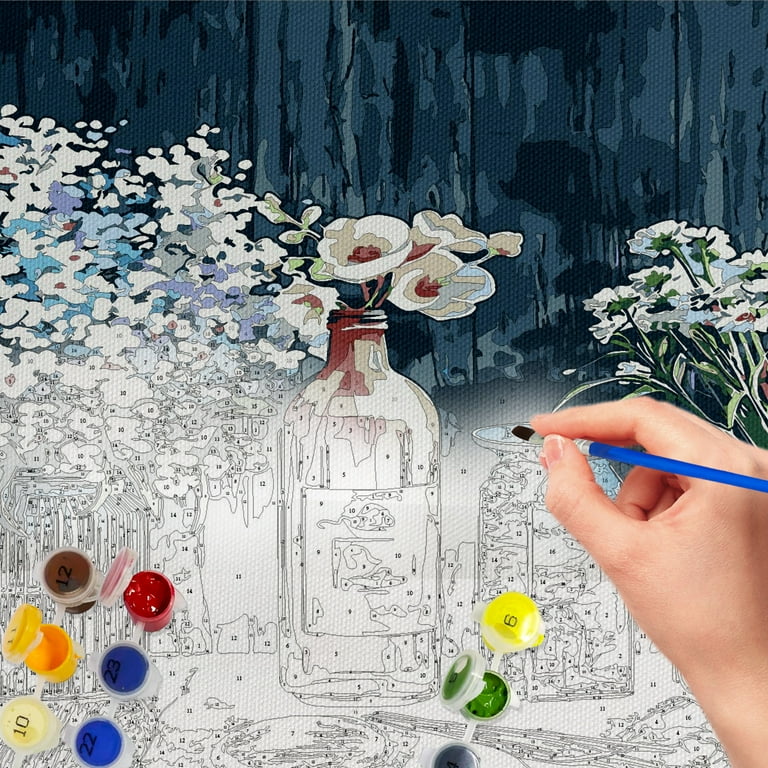
Why Traditional Paint-by-Number Generators Fail for Professional Vector Artwork
Most paint-by-number generators were built for photographs. Upload a JPG, reduce the colors, and receive a numbered template. While that works for casual hobby projects, it creates serious limitations for businesses working with vector artwork.
Graphic designers, print shops, art studios, and paint-by-number kit manufacturers often create artwork in Adobe Illustrator. Their designs contain precise vector paths, carefully selected brand colors, and scalable artwork that cannot be accurately represented through raster-only paint-by-number software.

The problem is simple: converting vector artwork into a raster image destroys valuable information. Curves become pixels, small regions disappear, and color boundaries become less accurate. The resulting paint-by-number template may look acceptable on screen but often produces poor print results
A professional workflow requires direct Illustrator file processing.
Number My Paint was built specifically to address this gap. Instead of flattening artwork into a simple image, the platform processes native Adobe Illustrator files using dedicated Illustrator automation. Vector paths, fills, and spatial relationships are analyzed before paint-by-number regions are generated.
This approach provides several advantages:
- Preserves vector accuracy throughout the workflow
- Generates cleaner numbering placement
- Supports large-format printing without quality loss
- Produces editable Adobe Illustrator output files
- Maintains professional production standards
For businesses producing custom paint-by-number kits, preserving vector data can significantly improve both print quality and production efficiency.
As demand for personalized paint-by-number products grows, vector-first workflows are becoming increasingly important. Companies that rely on Illustrator-based artwork need tools designed specifically for professional production—not photo filters disguised as paint-by-number generators.