
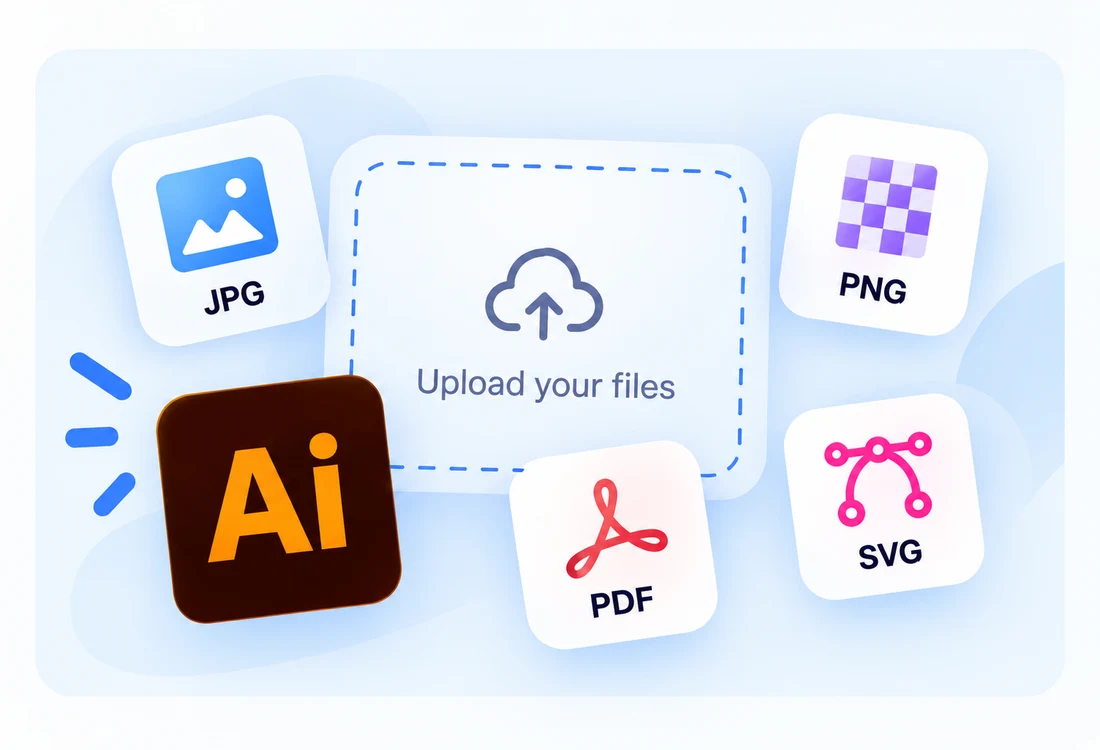
Photos, vectors, and more
Upload JPG, PNG, SVG, PDF, or Illustrator files. Add several designs to your workspace and create a kit for each.
Explore the toolsNumber My Paint turns your uploaded photos and Illustrator artwork into numbered painting guides, color palettes, and print-ready files. Explore our features and pricing without signing in.
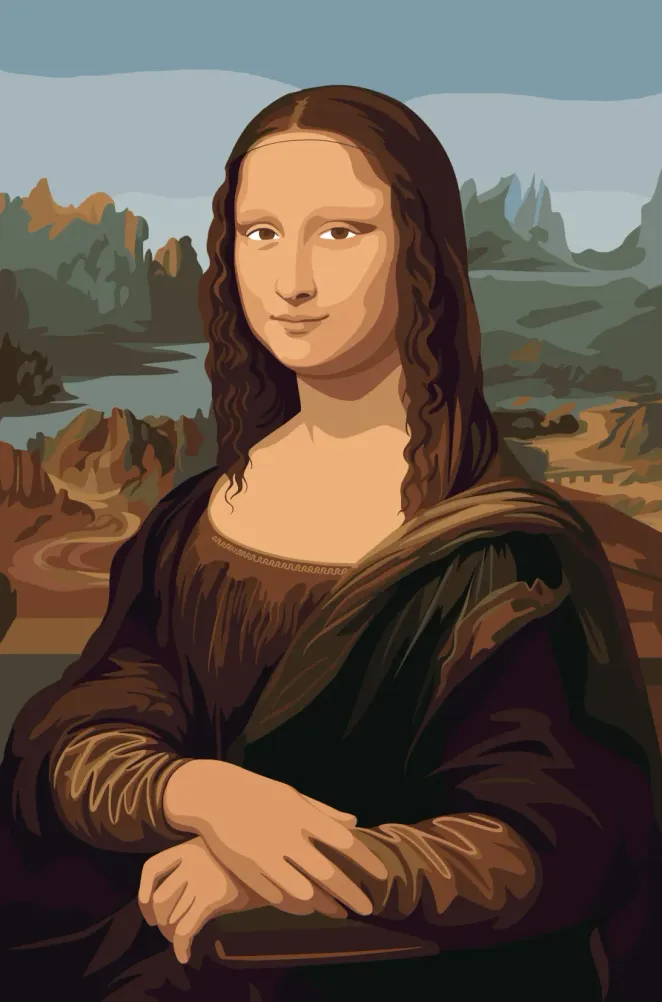 Before
TRUSTED BY CREATORS AND STUDIOS



Less time preparing files. More time bringing your artwork to life.
Upload JPG, PNG, SVG, PDF, or Illustrator files. Add several designs to your workspace and create a kit for each.
Explore the tools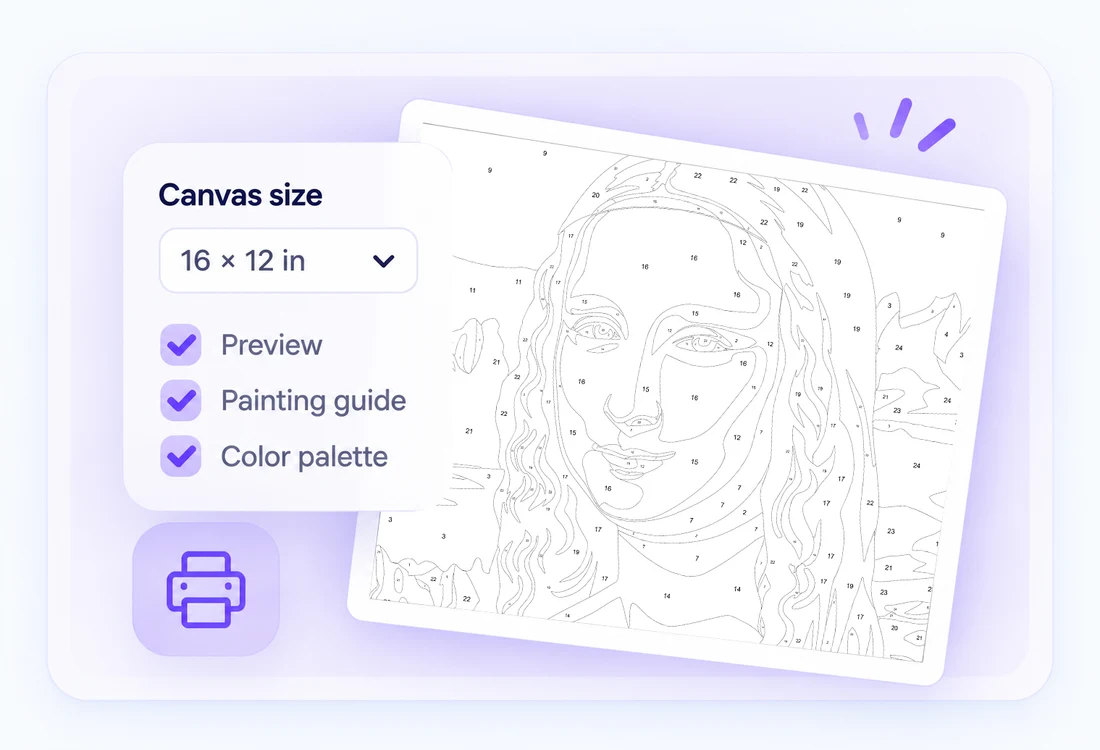
Set your canvas size, check the preview, and download your painting guide and matching palette.
See examples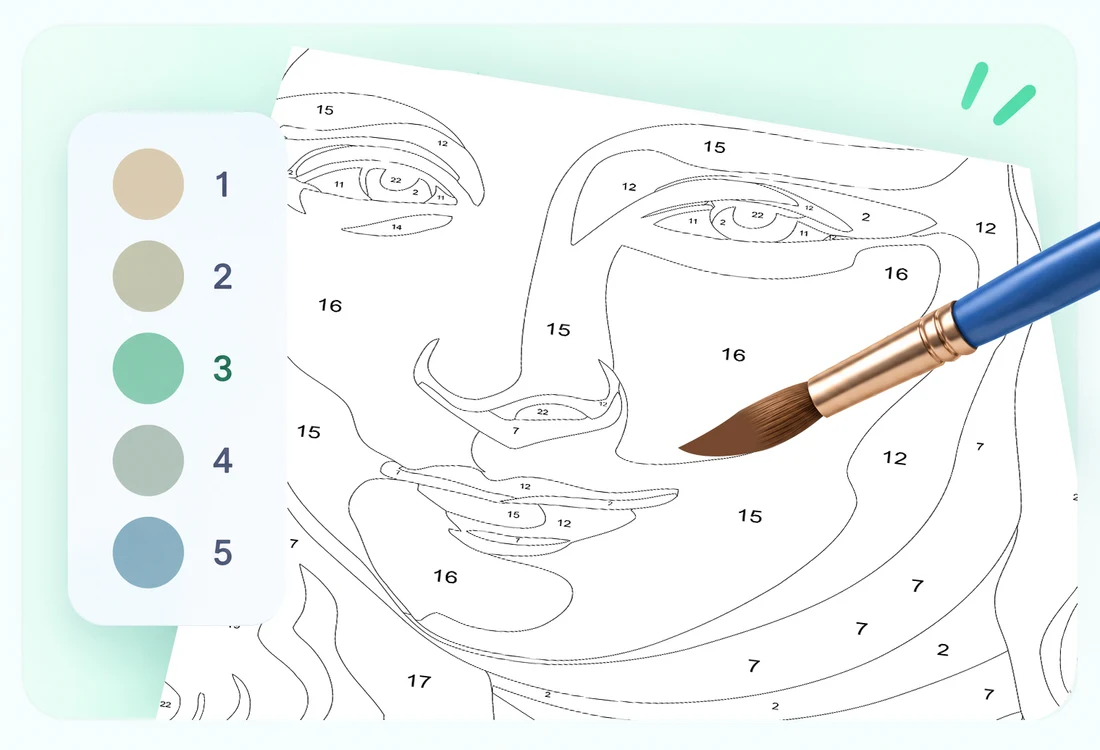
Turn artwork into numbered regions with matching color references, so painters can follow along with confidence.
How it worksTake your artwork from upload to a painting project.
Add photos, illustrations, or vector files to your workspace.
Choose colors, canvas dimensions, and numbering settings.
Review your layout and print settings before processing.
Get your finished files and bring your kit to life.
Start with Free, then choose the credits that fit your creative workflow.
Great for hobby painters getting started
All features for smaller projects
Perfect for small studios and creators
For professional studios and large teams
Hear from businesses and creators who use our platform daily.
"Working with this team was a smooth and professional experience. They paid close attention to our requirements, communicated clearly throughout the project, and delivered results that exceeded our expectations. I would gladly work with them again.."
"The quality of work was outstanding from start to finish. Every detail was handled with care, and the final product perfectly reflected our vision. Their creativity and technical expertise made a real difference for our business."
"They consistently delivered high-quality work on schedule and were always responsive to feedback. Their ability to understand our goals and transform ideas into practical solutions helped us move forward with confidence.."
Your artwork becomes a guide of outlined regions. Numbers connect each region to its matching color in the palette, making it easy to follow as you paint.
Upload JPG, JPEG, PNG, SVG, PDF, and Adobe Illustrator (.AI) files, up to 25 MB per file. You can add multiple files to your workspace; each design is processed as its own project.
Yes. Choose dimensions that fit your paper or canvas, check the preview, and download your finished files. For larger canvases, take the files to a print shop.
Yes. Create a custom palette, pick colors from an image, or import an Adobe Swatch Exchange (.ASE) palette to work with your paint collection.
Have a question or need help? Send us a message and we’ll get back to you.